Manage spending anywhere, anytime

The SAP Concur mobile app is a simple, secure expense management tool that makes it possible for you to manage business expenses, travel, and invoices right from your phone.
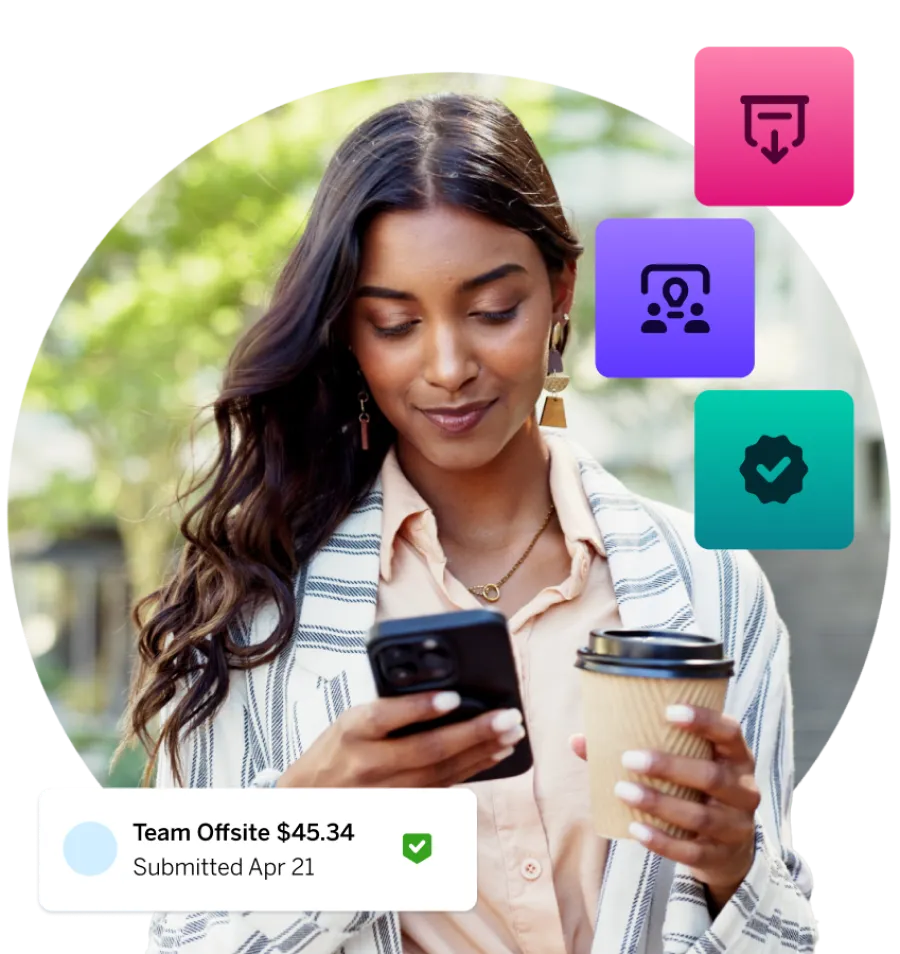
Woman looking at the apps on her phone

Key features and benefits of the SAP Concur expense management app

Real-time expense tracking and on-the-go receipt capture
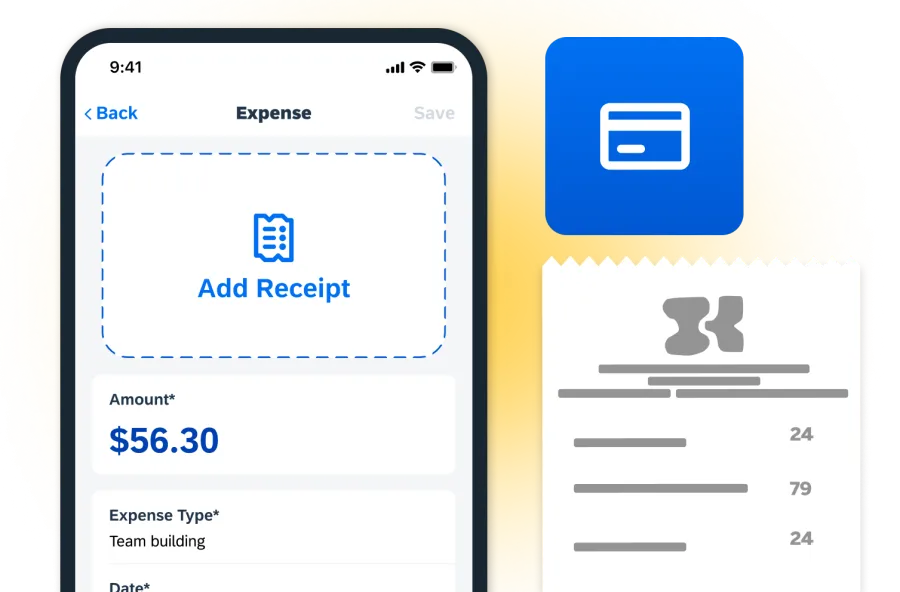
Capture receipts instantly with your mobile camera and automatically generate expense reports using AI-powered categorization. This reduces manual data entry, eliminates lost receipts, and speeds up reimbursement for employees and finance teams.
Business travel booking and itinerary management
Book flights, hotels, and transportation while managing complete travel itineraries in one place. This helps employees stay productive on the go while giving businesses better visibility and control over travel spending.
Mobile approvals and automated expense workflows
Review and approve expense reports, invoices, and travel requests directly from your phone. This keeps approvals moving, reduces bottlenecks, and helps organizations maintain efficient financial workflows.
Real-time spend visibility and cost control
Gain real-time visibility into employee spending, travel costs, and invoices across the business. This helps finance teams improve budgeting, forecasting, and overall cost control.
Automated expense compliance and policy enforcement
Apply company policies automatically with built-in rules, AI categorization, and integrated expense data. This improves accuracy, reduces fraud risk, and ensures compliance across all expense reports.
More productivity for employees and finance teams
Empower employees to manage expenses, submit reports, and handle travel tasks from anywhere. This flexibility increases productivity and helps ensure faster, more accurate financial processes.

How does the SAP Concur mobile app work?

Here’s how our app simplifies the entire expense reporting process from start to finish.
phone syncing
Step 1: Secure login and system sync
Employees log in securely using company credentials, single sign-on, or biometrics. The system syncs instantly with company policies, workflows, and financial systems.
scan receipt
Step 2: Real-time expense capture
Capture receipts in real time by either taking a photo or importing transactions. AI the extracts and organizes key details automatically, reducing manual input and errors.
puzzle
Step 3: Automatic expense creation and matching
The system automatically matches receipts, credit card transactions, and travel bookings to create accurate expense entries and streamline expense reporting.
finger clicking
Step 4: Mobile expense report submission
Build and submit expense reports directly from your phone. Reports are routed automatically through approval workflows with all required details included.
checkmark
Step 5: Automated approvals and policy checks
Managers can review and approve expenses from anywhere, while built-in policy controls flag out-of-policy spending to maintain compliance.
dollar
Step 6: Reimburse and financial integration
Once approved, expenses are processed for reimbursement and synced with accounting or ERP systems, creating a complete, audit-ready record.

Do Concur solutions work with other apps?

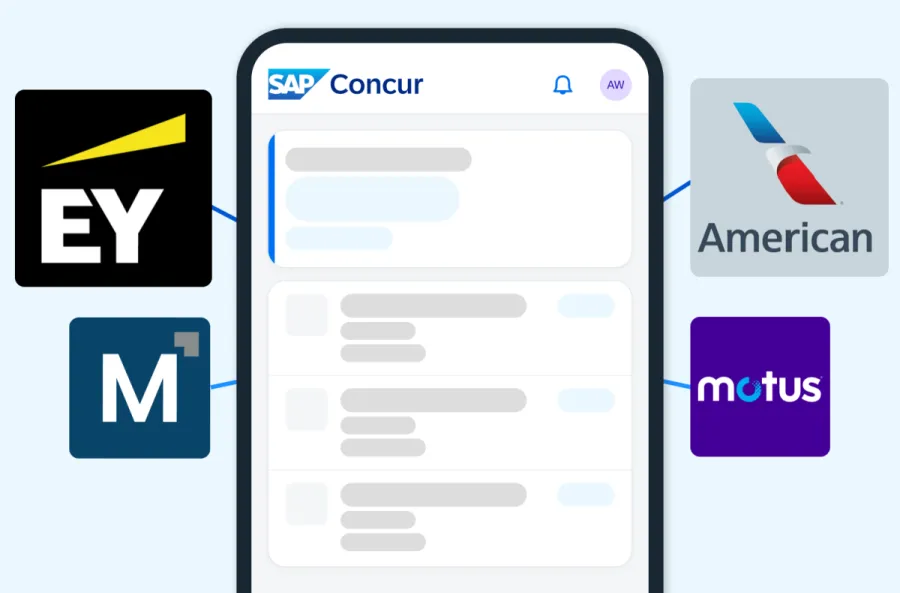
SAP Concur solutions connect to a broad ecosystem of partner apps and integrations that can link with your existing ERP, HR, finance, and accounting systems. The result is smarter workflows, more accurate data, and real-time visibility into spending, all easily accessible through your mobile devices.
Image
g2 logo

“The app lets you snap a photo of a receipt on the go, and the AI/OCR instantly extracts details, categorizes the expense, matches it to corporate cards or emails, and even flags policy violations before submission.”

SAP Concur user

See how the Concur app works in real business scenarios
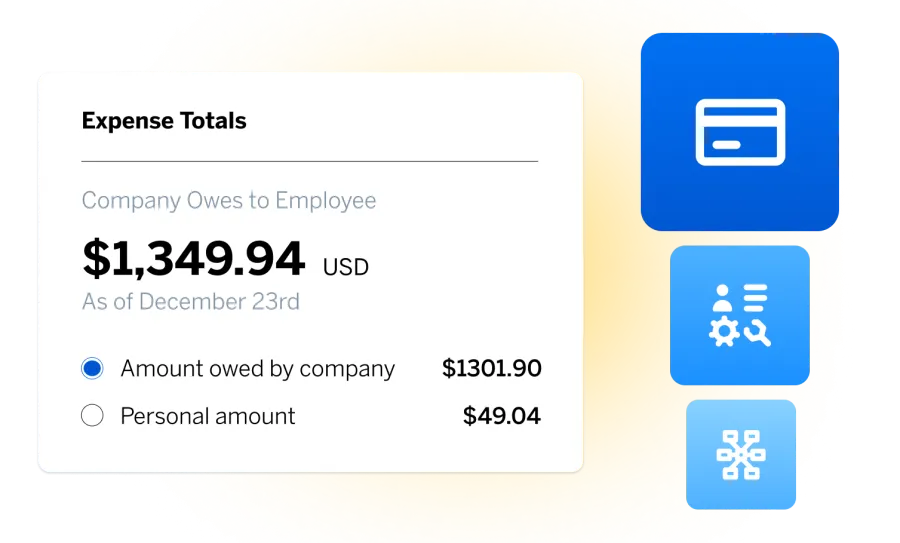
Product screenshot of Expense
See how businesses use SAP Concur to automate expense reporting and improve visibility into company spending.
Watch now 
A screenshot of mobile Expenseit
ExpenseIt uses AI to turn receipt photos into categorized expense entries automatically, helping employees submit reports faster and more accurately.
Learn about ExpenseIt

FAQs about the SAP Concur mobile app


Our app is free to download from the Apple App Store and Google Play. However, using the app requires an active SAP Concur subscription.


The app enforces company policies, flags exceptions, and provides audit-ready expense documentation to ensure compliance.


Yes, our app uses enterprise-grade security, including encryption, secure login, and compliance with corporate data protection standards.


Yes, managers can review, approve, or reject employee expense reports directly within the SAP Concur mobile app.


Yes, our app is used globally, supporting multiple languages, currencies, and regional compliance requirements.


Yes, app users can book flights, hotels, and rental cars while staying within company policy guidelines.


Yes, our app includes GPS-based mileage tracking for accurate and compliant reimbursement of business travel.


Yes, the SAP Concur mobile app supports offline functionality, allowing users to capture receipts and draft expense reports without an internet connection, which sync when online.


Best software
buyer's choice
capterra 2026